
Linux Server Hardening Checklist: 25 Security Steps Every Admin Should Follow in 2026
In 2026, the landscape of cyber threats is evolving rapidly. With the rise of AI-assisted attacks and increasingly sophisticated automated scanning, a “default” Linux installation is no longer sufficient for production workloads.
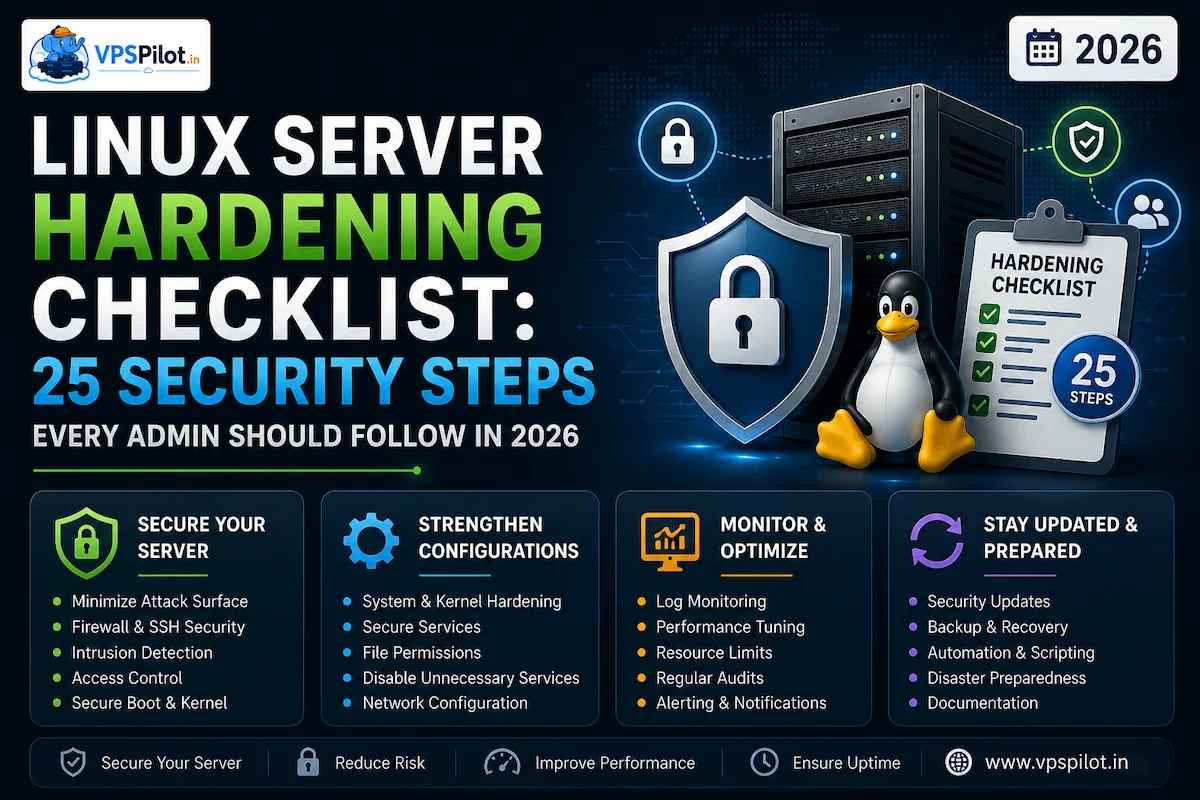
In 2026, the landscape of cyber threats is evolving rapidly. With the rise of AI-assisted attacks and increasingly sophisticated automated scanning, a “default” Linux installation is no longer sufficient for production workloads. Hardening is about reducing your attack surface, enforcing strict boundaries, and maintaining continuous vigilance.
This checklist provides a structured approach to securing your Linux servers.
25 Security Steps
Part 1: Initial Access & Authentication
1. Disable Root SSH Login
Never allow direct root access over the network.
2. Enforce SSH Key-Based Authentication
Disable password-based SSH authentication entirely to prevent credential brute-forcing.
3. Use Non-Standard SSH Ports (Optional)
While not a total defense, it significantly reduces noise from automated bot-nets.
4. Implement Multi-Factor Authentication (MFA)
Integrate tools like Google Authenticator or hardware tokens (e.g., YubiKey) for all administrative logins.
5. Enforce Strong Password Policies
For any local system users, mandate complexity and regular rotation.
6. Limit Sudo Privileges
Apply the principle of least privilege. Grant sudo access only to necessary users and specific commands.
7. Lock the Root Account Password
Ensure the root account cannot be used for direct login, even if someone bypasses SSH restrictions.
Part 2: Network & Firewall Hardening
1. Enable a Host-Based Firewall
Use ufw, firewalld, or nftables. Always default to a deny-all ingress policy.
2. Minimize Listening Services
Run only what is strictly necessary. Audit listening ports with ss -tulpn.
3. Use Network Segmentation
Isolate your database, application, and management layers into separate subnets or VLANs.
4. Deploy Intrusion Prevention
Use tools such as Fail2Ban or CrowdSec to automatically block malicious IP addresses.
5. Close Unused Ports
Every open port is an entry point. If a service doesn’t require public access, bind it to 127.0.0.1 or a private network interface.
Part 3: System & Kernel Security
1. Automate Patch Management
Use unattended upgrades or CI/CD pipelines to ensure critical security patches are applied immediately.
2. Enable SELinux or AppArmor
Use Mandatory Access Control (MAC) to confine processes and limit the damage if a service is compromised.
3. Kernel Hardening
Leverage modern kernel features such as Lockdown mode and ensure your kernel is updated to the latest stable version to protect against recent exploits.
4. Disable Unused Kernel Modules
Blocklist modules (such as usb-storage) when they are not required to reduce the kernel attack surface.
5. Filesystem Hardening
Mount sensitive partitions (e.g., /boot, /usr) with read-only flags where possible.
Part 4: Monitoring, Auditing & Integrity
1. Centralize Log Management
Forward logs to a secure, remote SIEM or log server so attackers cannot hide their tracks by deleting local logs.
2. Enable Auditd
Configure detailed system call auditing to track who did what, when, and where on your system.
3. Implement File Integrity Monitoring (FIM)
Use tools such as Tripwire or AIDE to detect unauthorized changes to critical system binaries and configuration files.
4. Monitor Resource Usage
Unexpected spikes in CPU or network activity can be an early sign of a compromise or unauthorized crypto-mining.
5. Perform Regular Vulnerability Scans
Use tools like Lynis to audit your server configuration against security benchmarks.
Part 5: Maintenance & Recovery
1. Maintain Immutable Backups
Ensure you have regular, encrypted, off-site, and offline backups. Test your recovery process quarterly.
2. Secure the Supply Chain
Use only official, signed repositories. Verify GPG signatures for all installed packages.
3. Establish an Incident Response Plan
Know exactly what steps to take if you detect a breach, including containment and forensic procedures.
Pro-Tip: The “Zero-Trust” Mindset
In 2026, treat every server as if it is already inside the network perimeter. By assuming that a local compromise is possible, you focus on minimizing impact through segmentation, least-privilege, and robust observability.